Buy once. Cloud only if you want it.
Cinedash Desktop is a one time purchase. The app is yours, works offline, for life. If you need cloud sync and want to share projects with your crew, add the cloud add-on monthly. Invited crew members pay nothing.
Limited time
Early Access
Cinedash Desktop
€ 79
one time · lifetime
- All modules · unlimited projects
- macOS (Apple silicon + Intel)
- Data stored locally · works 100% offline
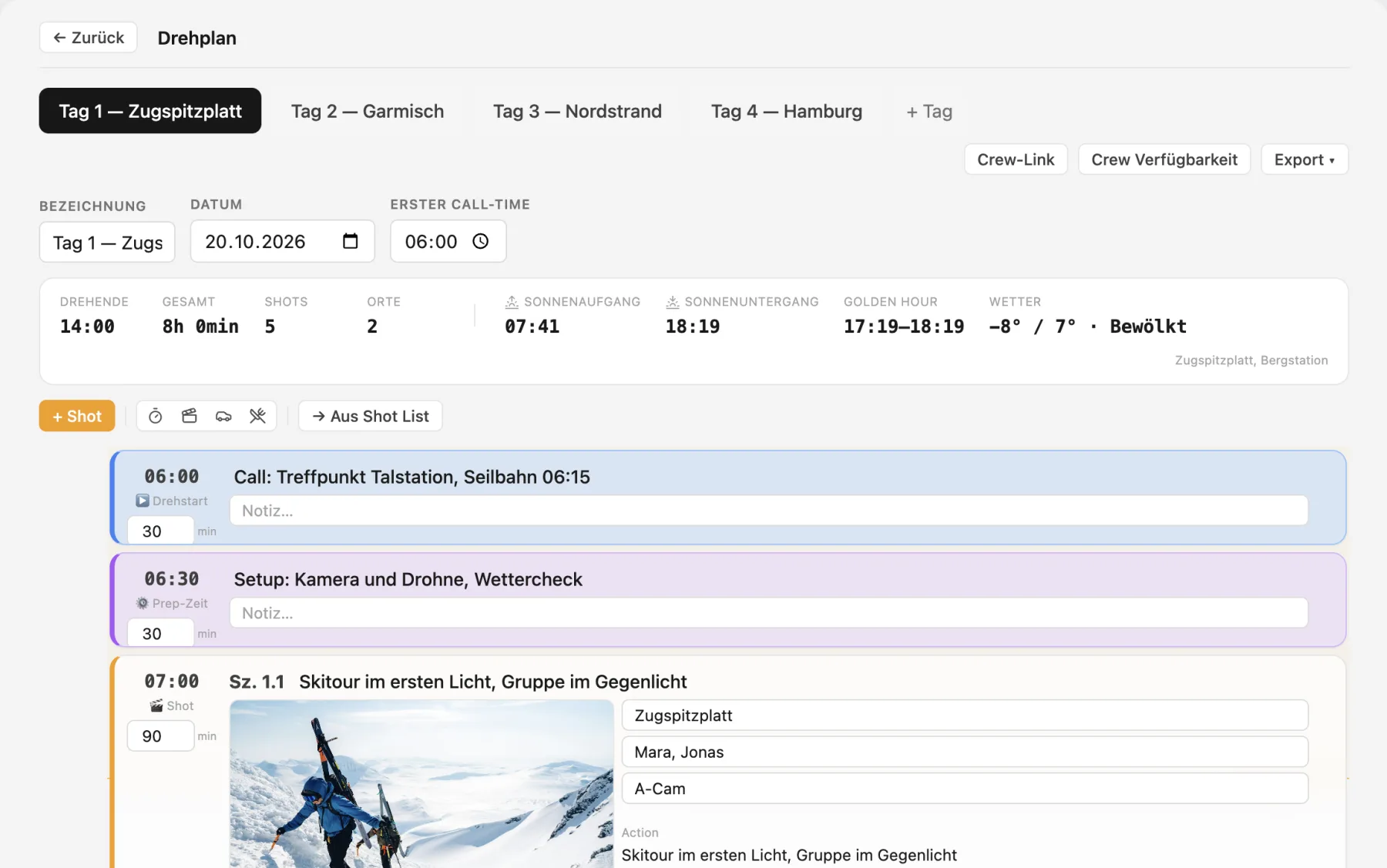
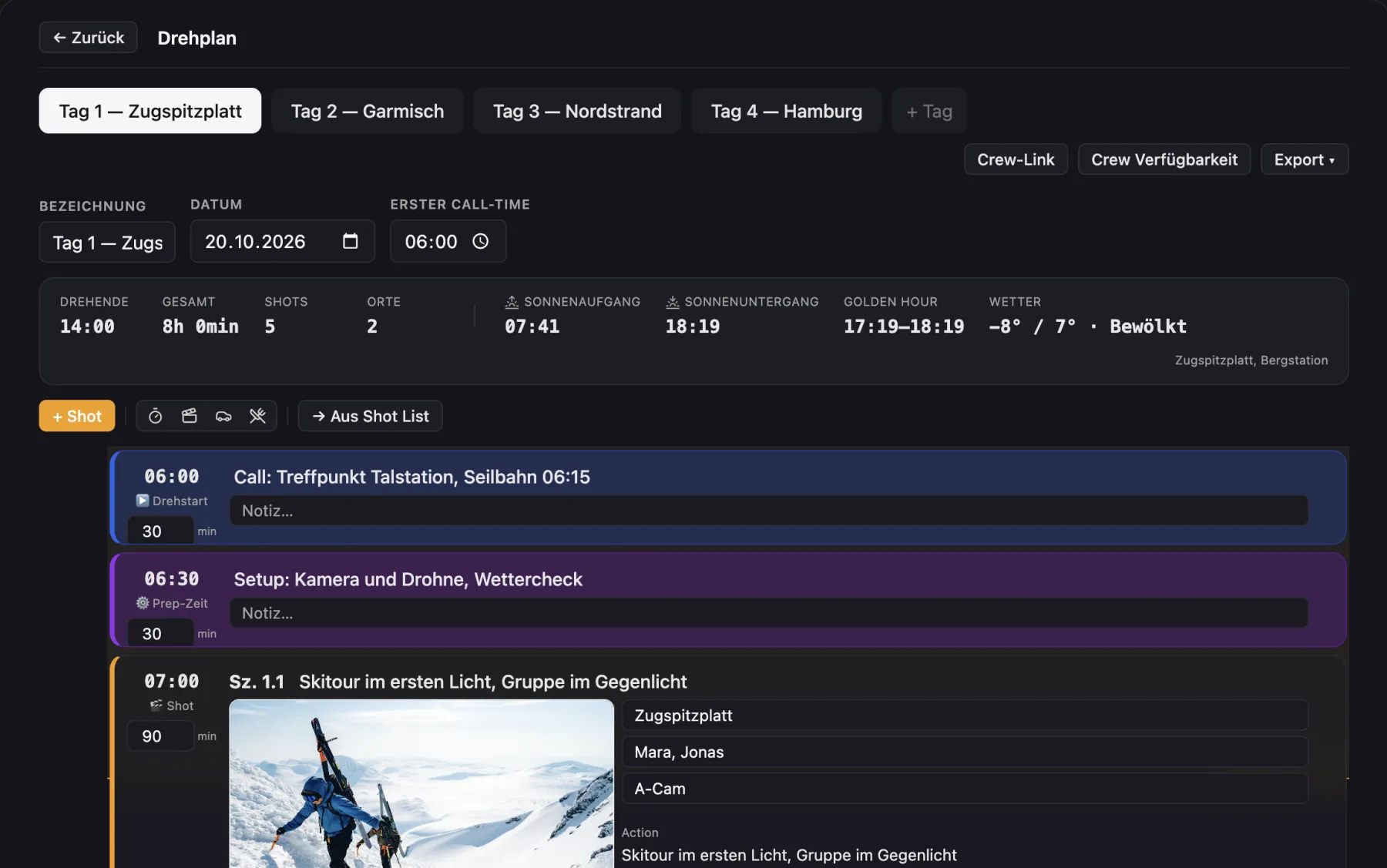
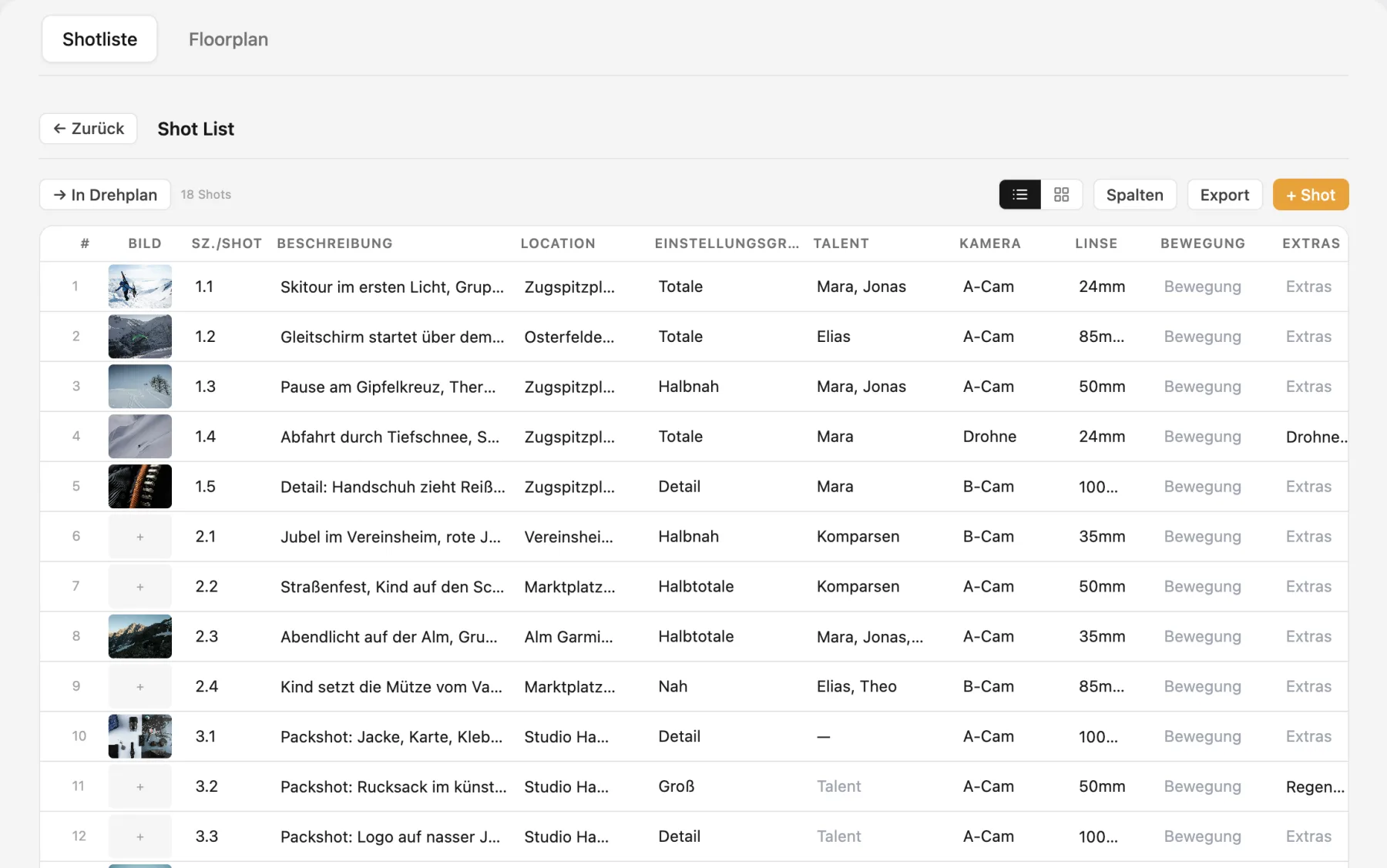
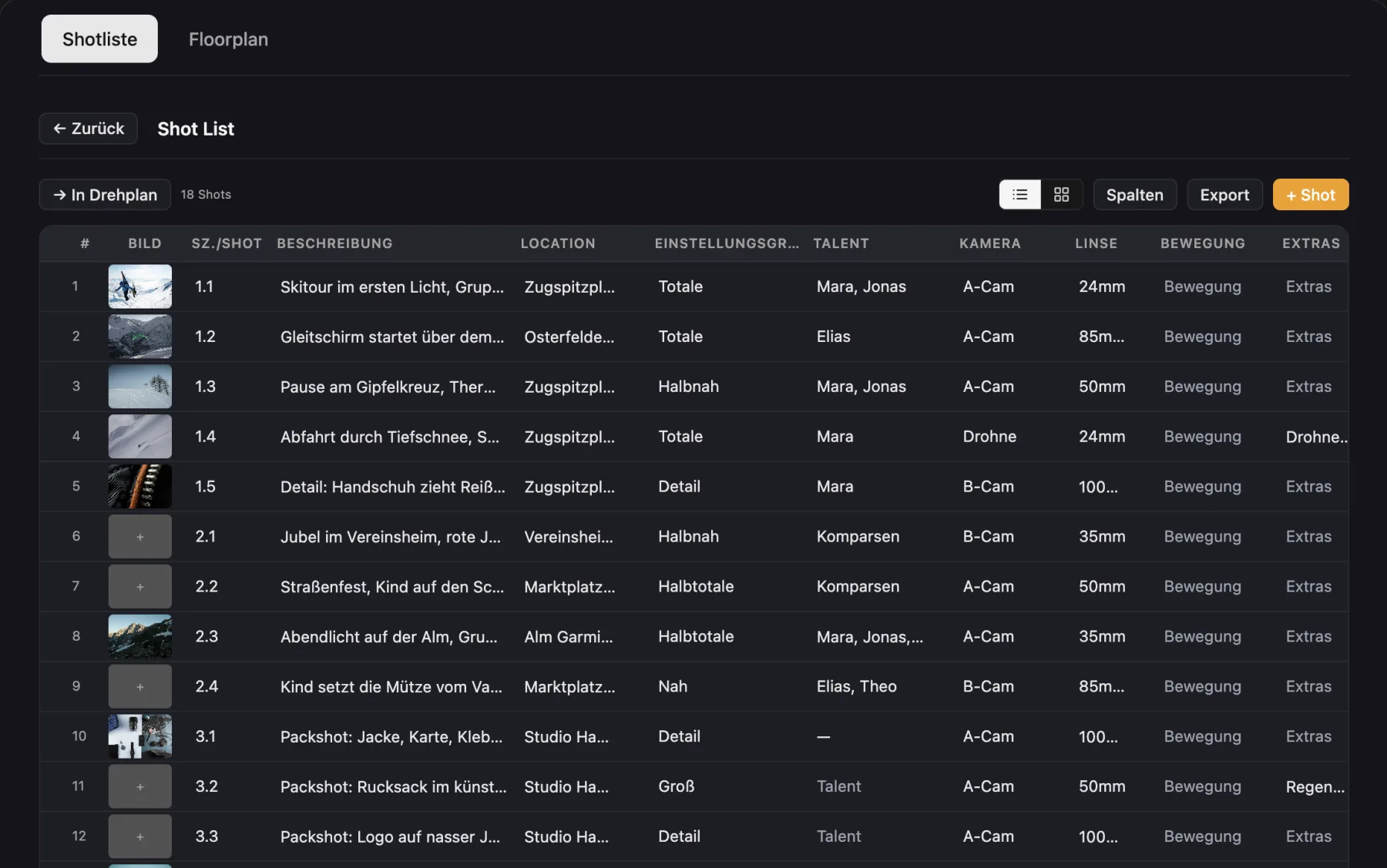
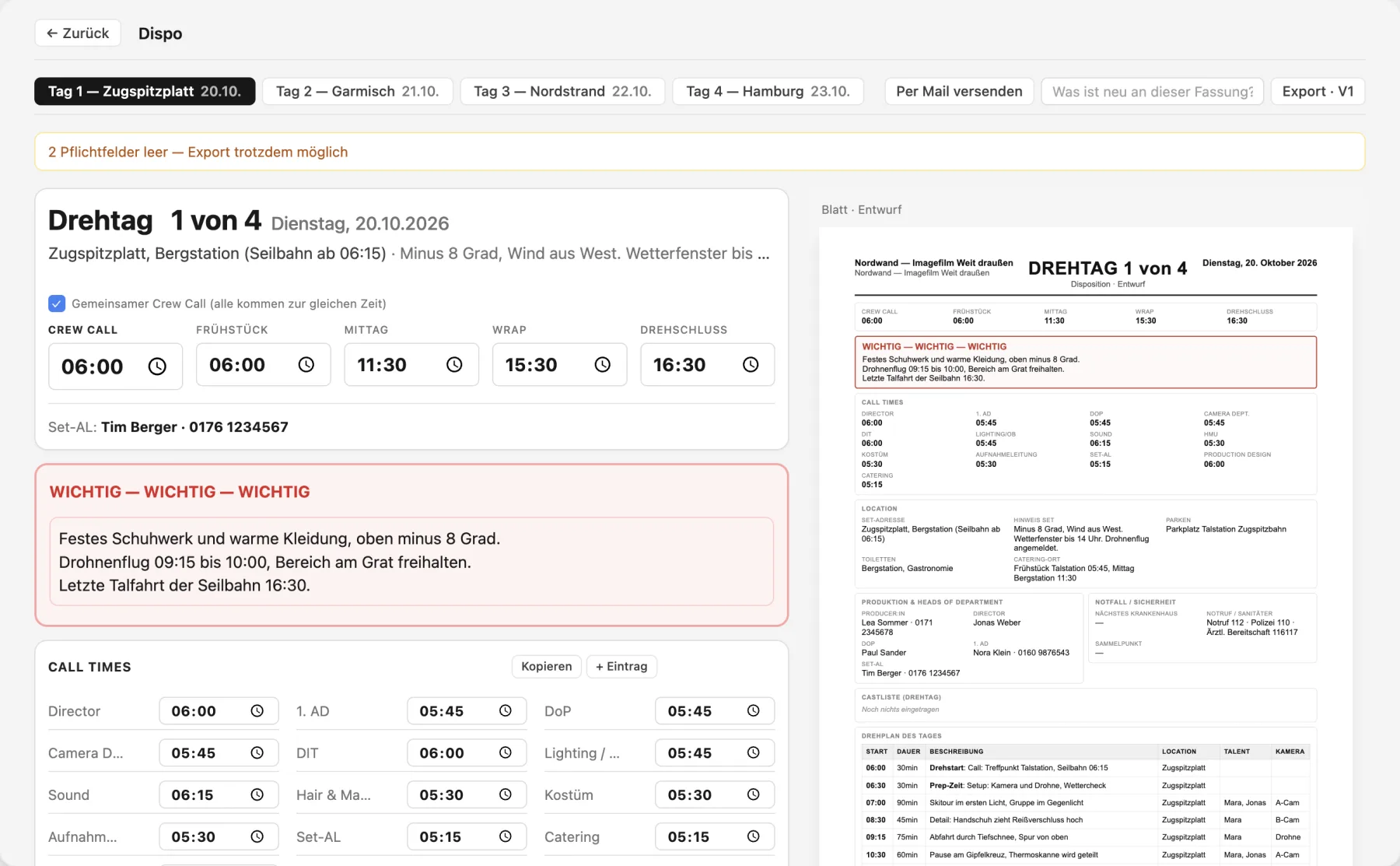
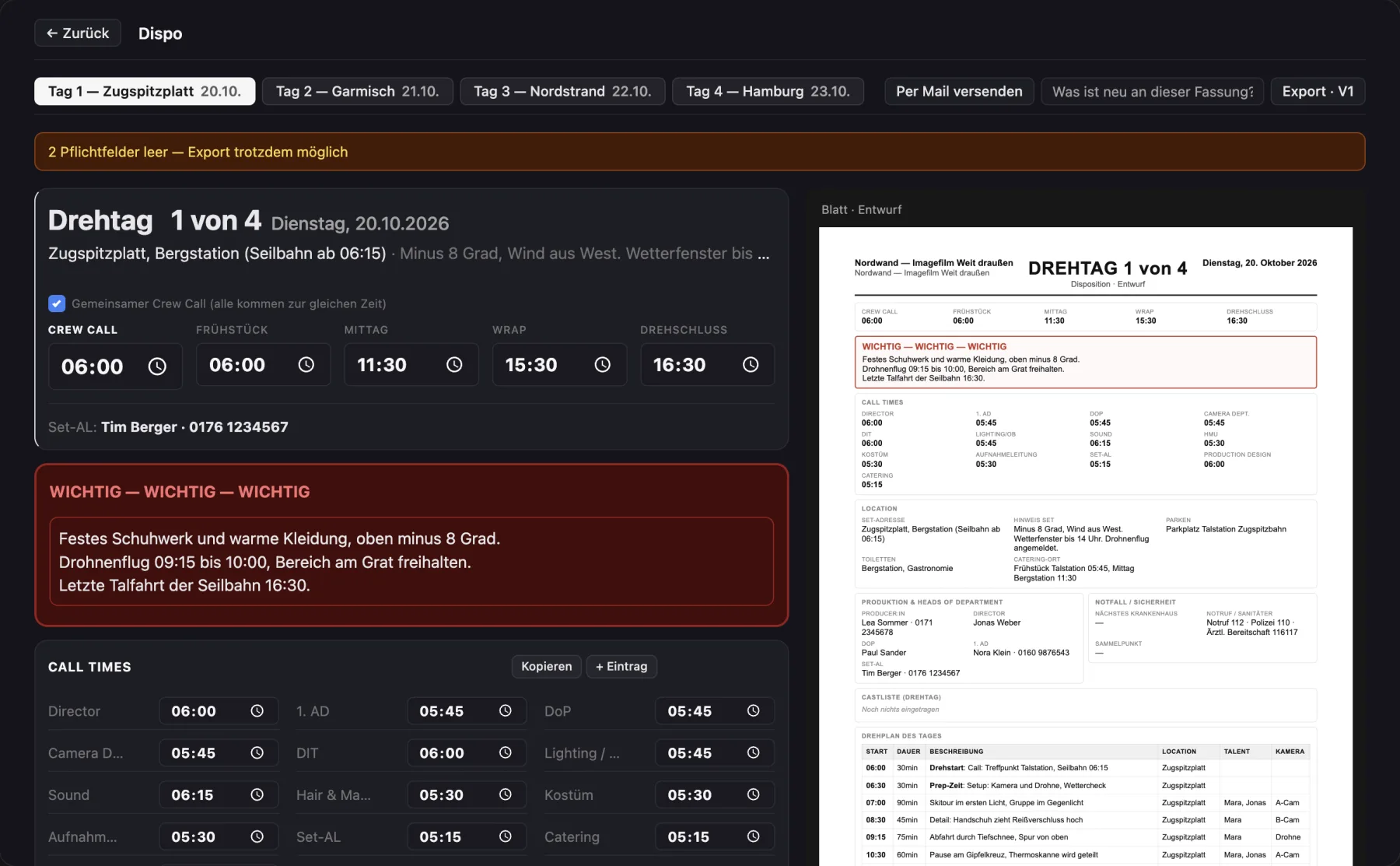
- Floor plan, shot list, schedule, call sheet, clients
- All updates included
- Email support
Buy now
Erst ausprobieren? Try free for 14 days, ohne Zahlungsdaten.
Optional
Cloud-Add-on
€ 4,99
/ month · cancel monthly
- Cloud sync across all your devices
- Share a project with up to 25 roles
- Crew members pay nothing
- QR crew link on set
- Realtime updates · section locks
- Backups in Frankfurt (EU)
Activate add-on
€4.99 per month, renews automatically every month, cancel any time at the end of the month. Requires an active desktop license.
Launch offer · until Dec 31, 2026
Found a bug? Get 15% back.
Cinedash is built on real productions, and they find bugs more reliably than any test plan.
So for every meaningful bug you are the first to report and we can reproduce, we refund
15% of the purchase price. Up to 3 times per license, that is up to
45% of the purchase price back.
- Report in the app via "Report bug" (Settings → Feedback). A screenshot helps.
- We check whether it is meaningful, reproducible and new. If so, the refund is approved.
- Money back as a 15% partial refund to your payment method within 14 days.
Terms (the German version is binding)
- Anyone who bought a Cinedash Desktop license can take part. The offer runs until Dec 31, 2026.
- At most 3 approved bugs per license, so up to 45% of the purchase price back. Less for a discounted purchase, since a refund cannot exceed the price paid.
- A bug is approved if it is meaningful and relevant, reproducible, occurs in the current version and was not known before. The first report counts.
- Not approved: trivial issues (typos, matters of taste), feature requests, design preferences, bugs caused by third party software or manually edited project files, and duplicate reports.
- Refunds are issued as a partial refund through our payment provider Lemon Squeezy to the original payment method. No cash payout, no transfer to third parties.
- We decide on approval based on the criteria above and let you know by email. Your statutory right of withdrawal is not affected.
Do I really get money back if I find a bug?
Yes. 15% of the purchase price per approved, meaningful bug, up to 3 times per license (so up to 45%). Just report it in the app under Settings → Feedback → "Report bug". Details are in the terms above.
What happens if I cancel the cloud add-on?
All projects are loaded into your local desktop version and stay there. Invited crew members lose access. You can reactivate at any time.
Do my crew members have to pay too?
No. Anyone invited to a project as makeup, wardrobe, art department, AD, DP or another role uses the Mac app for free as a guest and sees exactly the projects they were invited to. The crew on set only needs the free iPhone app Cinedash Set, no account. Only people who create their own projects pay.
How many people can I invite per project?
Up to 25 roles per cloud project, with no limit on active projects. That covers most commercial, music video, short film and documentary crews.
Can I start with Desktop and upgrade later?
That is exactly what the model is made for. Buy the desktop version, get to work, and turn on cloud once you want to invite crew or sync between devices.
Where is my data stored?
On your Mac, in a folder of your choice. With the cloud add-on a copy is also kept on servers in Frankfurt, Germany, so you can switch devices and invite crew.
Can I work without internet?
Yes. Cinedash runs fully offline on your Mac. With cloud, changes are synced as soon as you are back online.
What happens when two people work on the same project at the same time?
A section someone is editing is briefly locked for the others. Changes are synced entry by entry, not as a whole project, so nobody overwrites anyone else's work.
Are there backups in case something goes wrong?
Yes. Cinedash keeps rolling backups plus one per day for the last 30 days. Projects that were emptied by mistake are held back instead of being saved.
Can I bring in data from Excel or other tools?
Contacts, crew, cast and equipment can be imported as CSV, which Excel and Numbers export. Whole projects can be shared as a .cinedash file.
Which exports are there?
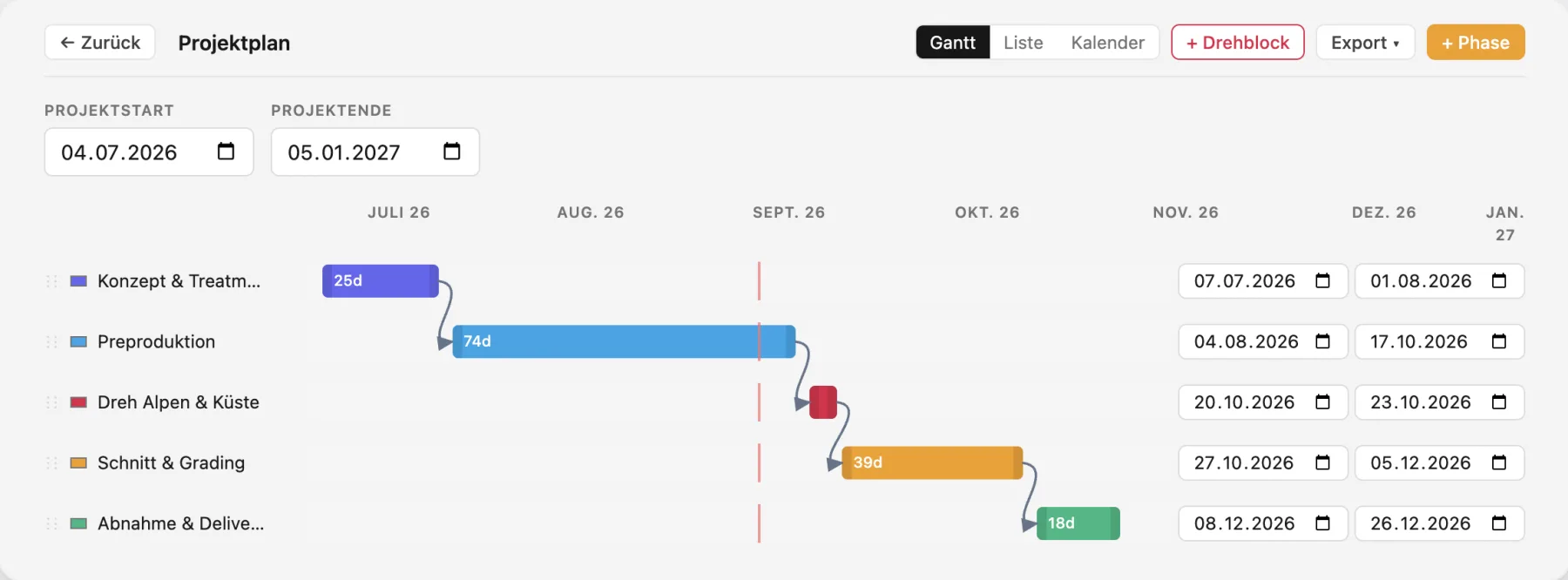
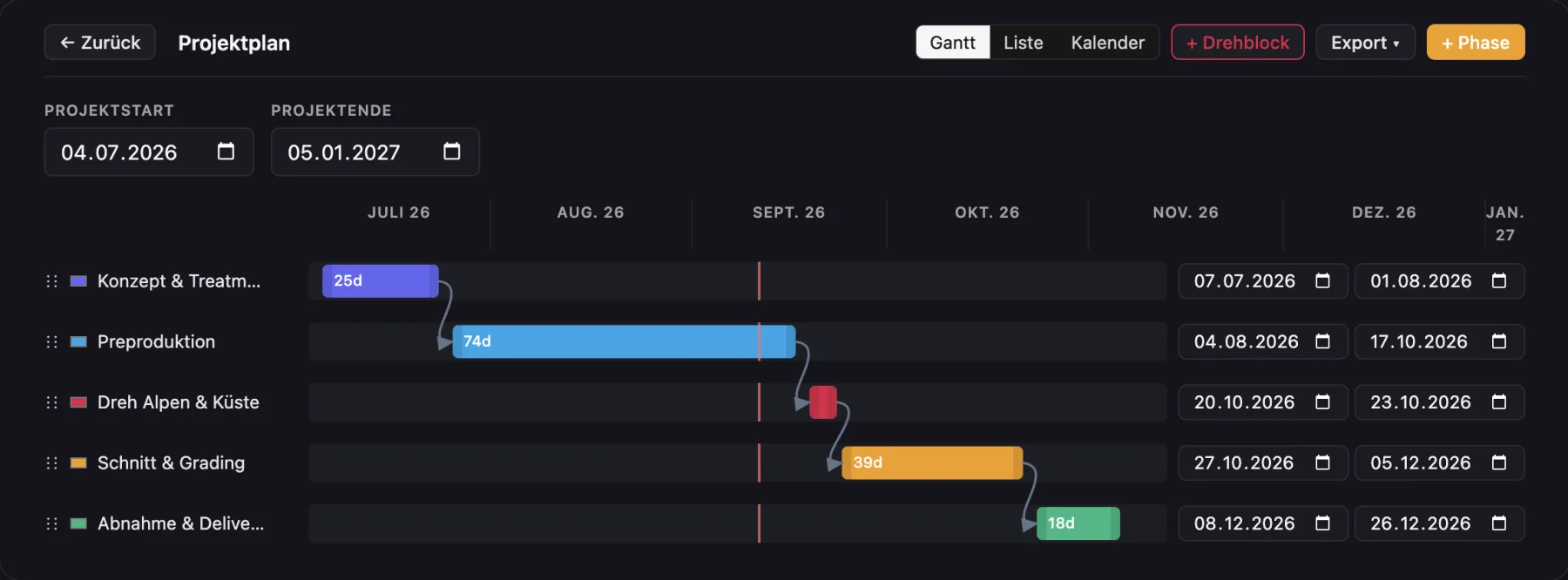
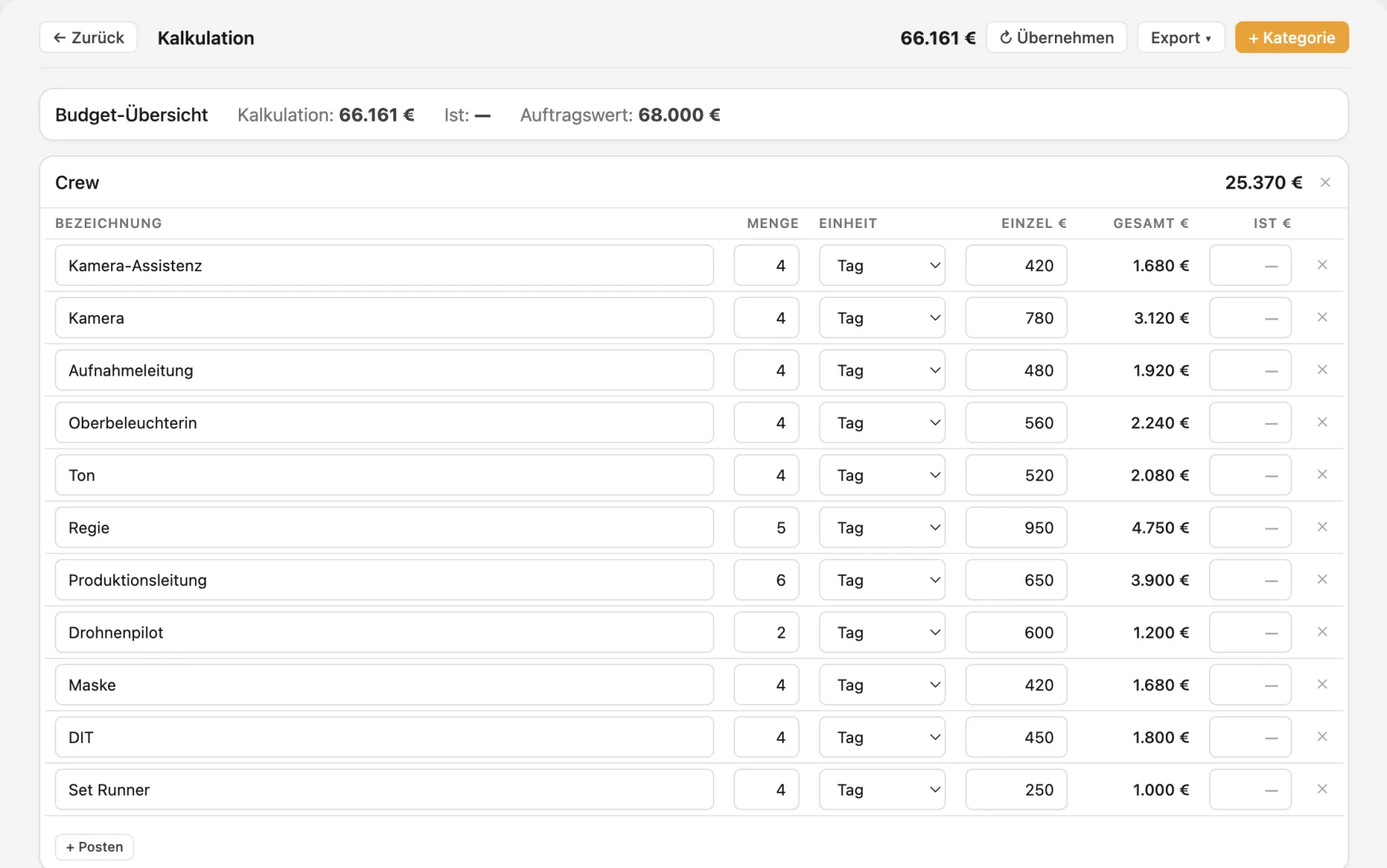
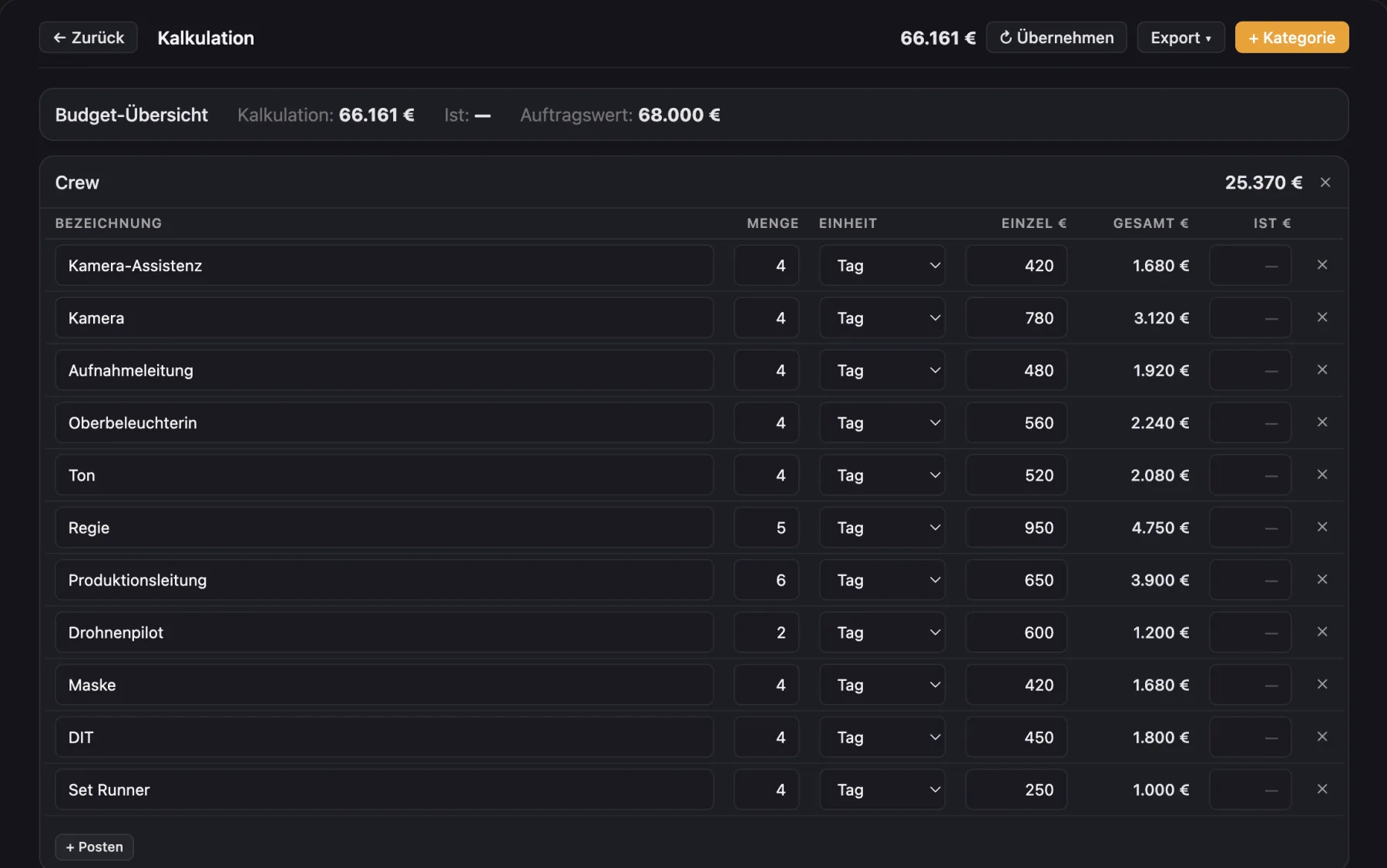
PDF for call sheet, shooting schedule, shot list, budget, project timeline and many more documents, with your logo if you like. Plus calendar files and subscriptions, and CSV for the budget.
Does Cinedash run on Windows or iPad?
No. Cinedash is a Mac app for macOS 12 and later, on Apple silicon and Intel. For the crew on set there is the free iPhone app Cinedash Set.
On how many Macs can I use the license?
On up to two of your own devices, for example a laptop and an office machine. All updates are included in the price.
Is Cinedash available in English?
Yes. You switch the language in the settings, date and number formats can be set separately.