Gantt Project Timeline for Film Productions
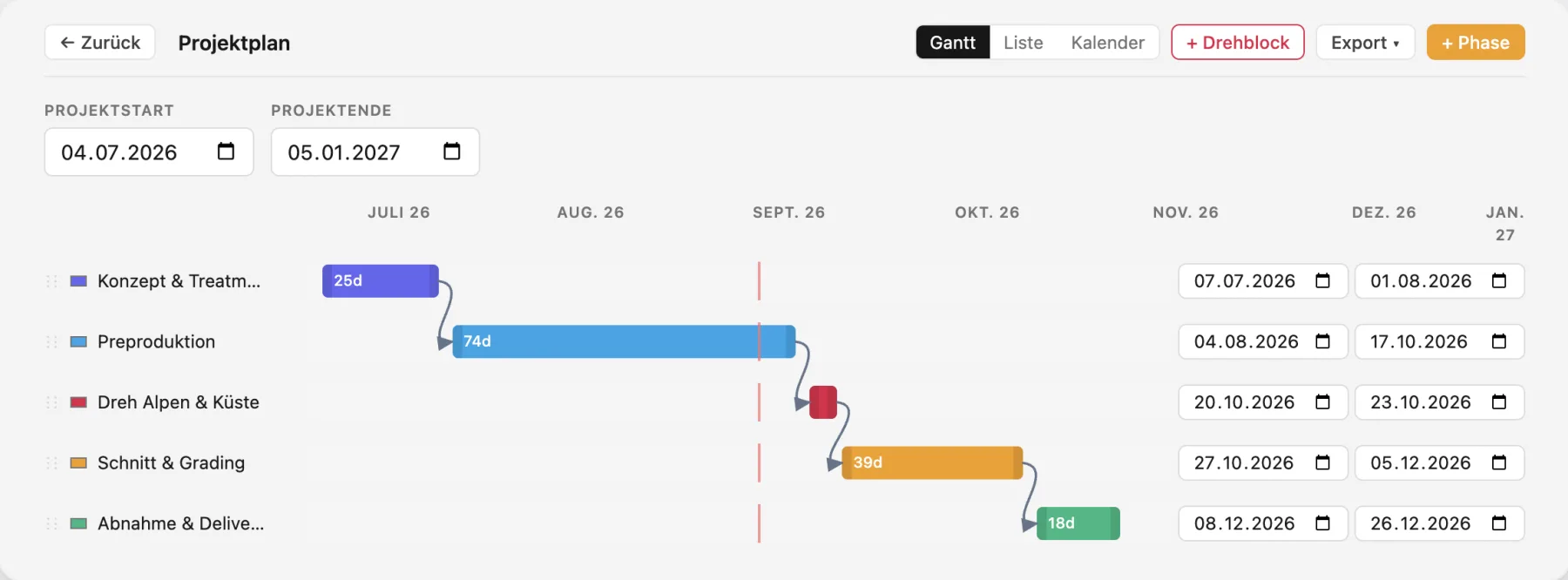
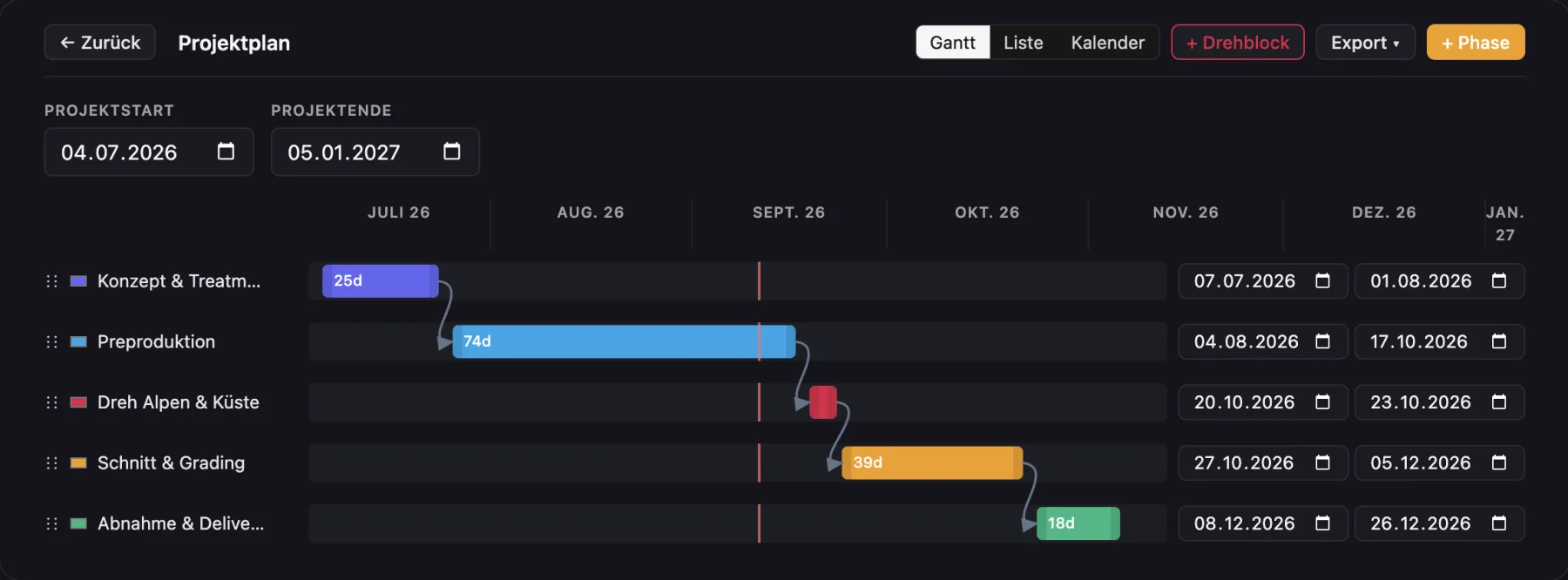
From pitch to delivery: every phase as a Gantt chart, list or calendar. Move one phase and the dependent ones follow.
What the project timeline in Cinedash can do
Three viewsGantt, list and calendar for the same phases.
Color coded phasesPrep, shoot, post and other, with shoot blocks as their own type.
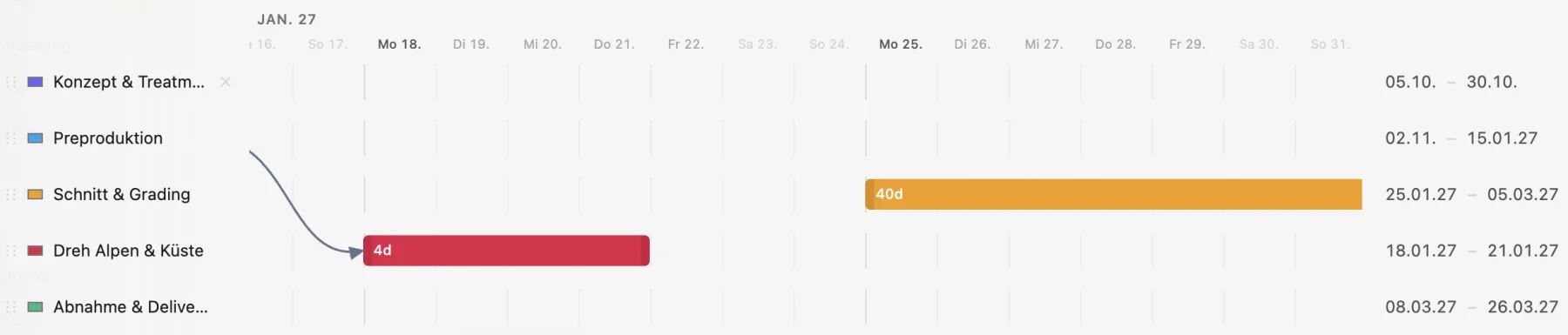
Drag instead of typeMove bars and change their length, a line marks today. Pinch to zoom down to single days.
DependenciesDraw a link from the end of one phase to the next. Following phases move automatically, circular links are detected.
Tasks per phaseWith due dates, done status and mentions of people.
ChecklistsLink them, copy tasks from them, save your own presets.
Linked to the scheduleShoot blocks and shoot days stay in sync both ways.
Reminders and exportA reminder seven days before each phase ends, export as PDF and calendar file.
In detail
What makes Cinedash different
- Shoot days from the schedule appear in the timeline on their own.
- Dependencies are drawn like cables.
- Reminders land on the dashboard, no extra tool needed.
For macOS, Apple silicon and Intel. No payment details needed for the trial. The app interface is in German, English is in beta.
Frequently asked questions
Can I send the timeline to clients?
Yes, as a landscape PDF or a calendar file.
Is there a calendar view?
Yes, next to Gantt and list.
What happens if the shoot moves?
Move the shoot block and dependent phases such as post and delivery follow.